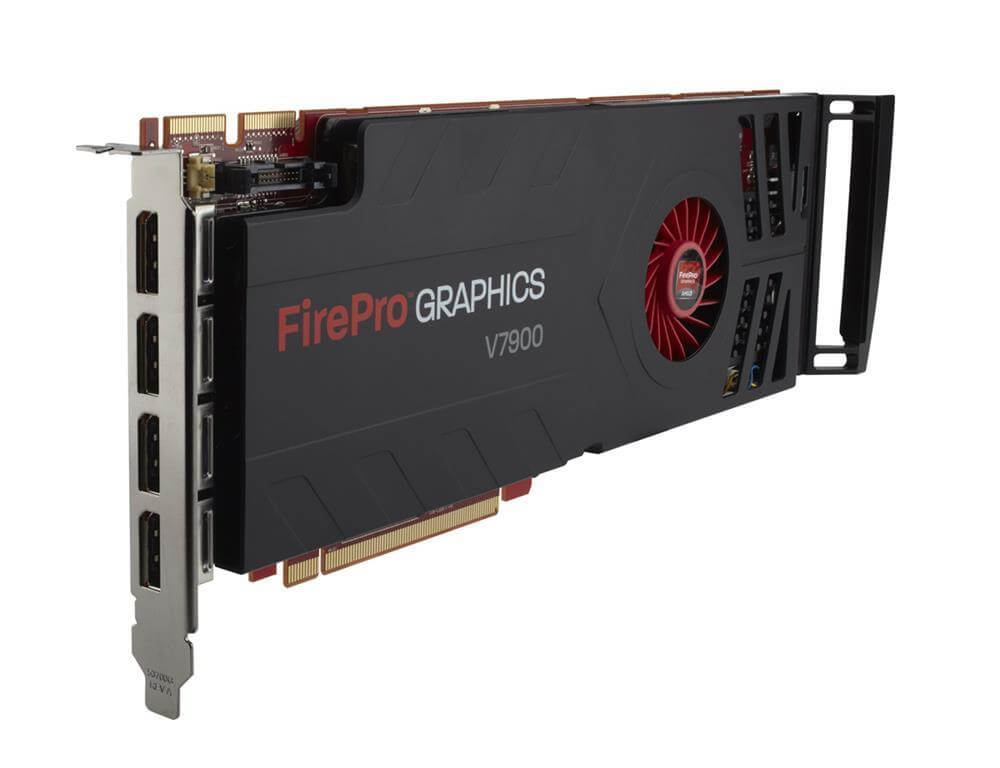
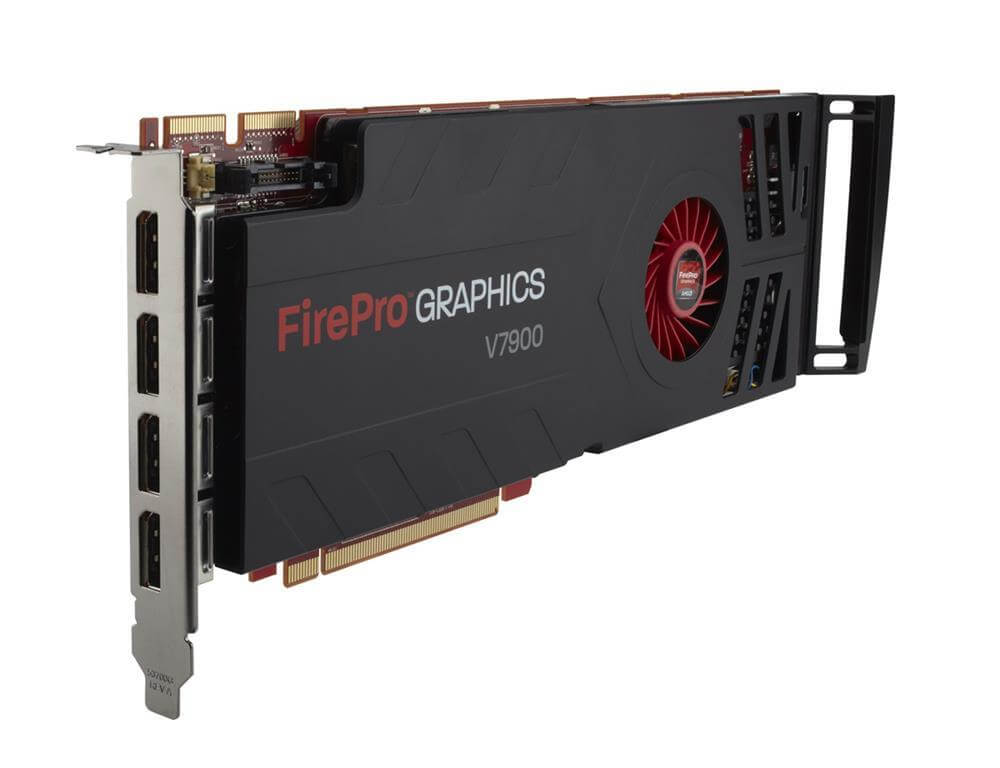
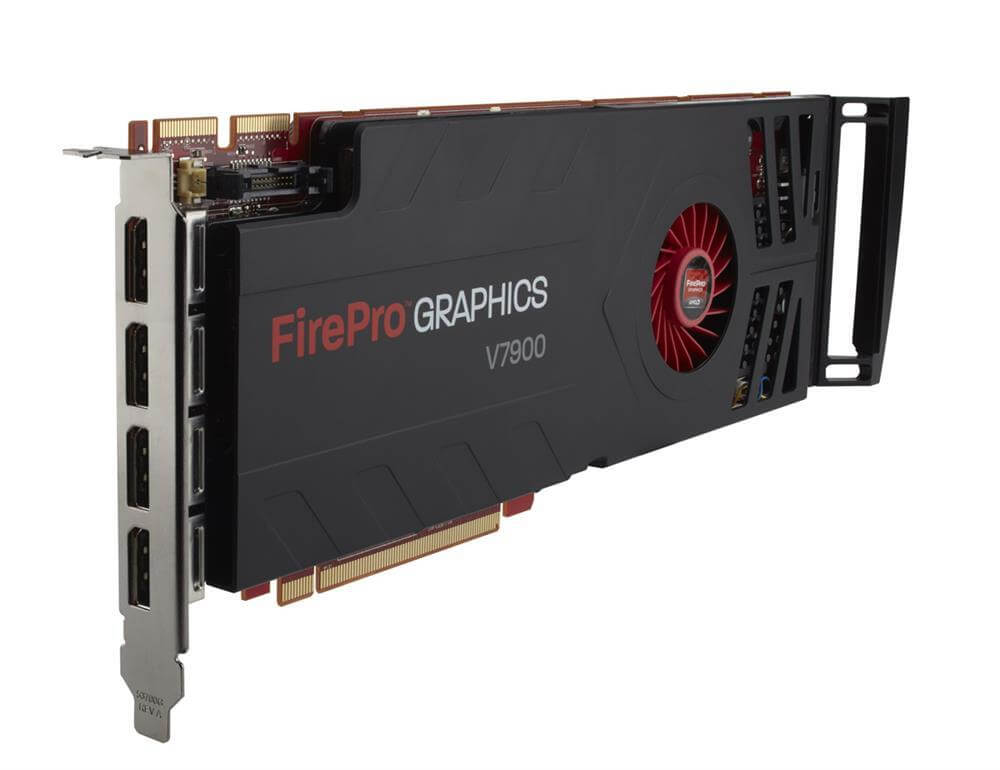
654596-001 HP AMD Fire Pro V7900 PCIE 2.1 X16 2GB Graphics Card. Refurbished.
$58.49
$105.87
Description Gaming Performance The 654596-001 HP AMD Fire Pro V7900 Graphics Card is primarily designed for professional use in applications such as 3D modeling, scientific computing, and oil and gas exploration. While it may be capable of playing some video games, it is not specifically optimized for gaming performance, and there may be other graphics cards on the market that provide better gaming performance for a similar price point. That being said, the AMD Fire Pro V7900 GPU architecture is based on the same technology as some of AMD’s gaming-oriented graphics cards, so it may be capable of running many modern games at decent frame rates, depending on the specific game and system configuration. However, gamers who prioritize high frame rates and graphical fidelity may want to consider a different graphics card that is specifically optimized for gaming performance. Driver and Software Support The 654596-001 HP AMD Fire Pro V7900 Graphics Card is supported by AMD’s proprietary graphics card drivers, which can be downloaded from the AMD website. These drivers are regularly updated to improve performance, add new features, and address any known issues or bugs. In addition to the graphics card drivers, the AMD Fire Pro V7900 is compatible with a wide range of software applications commonly used in industries such as 3D modeling, video editing, and scientific computing. However, some software applications may require specific drivers or configurations to work optimally with the graphics card, so it is important to review the technical specifications and user guides for both the graphics card and any software applications being used. In general, AMD is known for providing good driver and software support for its graphics cards, and the AMD Fire Pro V7900 is no exception. Users can expect regular updates and support for the graphics card throughout its lifespan. Installation and Configuration The 654596-001 HP AMD Fire Pro V7900 Graphics Card is designed to be installed in a PCIe 2.1 x16 slot on a compatible desktop computer. Before installation, it is important to ensure that the computer’s power supply unit has sufficient wattage and the appropriate PCIe power connectors to support the graphics card. To install the graphics card, first, power off the computer and disconnect all cables, then remove the computer case cover. Locate the PCIe 2.1 x16 slot on the motherboard and remove any blanking plates covering the slot. Insert the graphics card into the slot, aligning it with the slot guide, and firmly press it down until it clicks into place. Connect any necessary PCIe power connectors from the power supply unit to the graphics card. Once the graphics card is installed, power on the computer and install the appropriate graphics card drivers for your operating system. These drivers can be downloaded from the AMD website. It may also be necessary to configure the graphics card settings within the operating system or software application being used to optimize performance and ensure compatibility. It is important to follow the installation and configuration instructions provided in the graphics card and system manuals to ensure proper installation and usage. If you are not comfortable with installing the graphics card yourself, it is recommended to seek the assistance of a professional technician. Key Features:- Device Type: Graphics Adapter Enclosure Type: Plug-In Card Interface Type: PCI Express 2.0 X16 Processor: Graphics Processor: AMD Firepro V7900 Ramdac Clock Speed: 400 MHZ Memory:- Video Memory: 2 GB Memory Technology: GDDR5 SDRAM BUS Width: 256 BIT