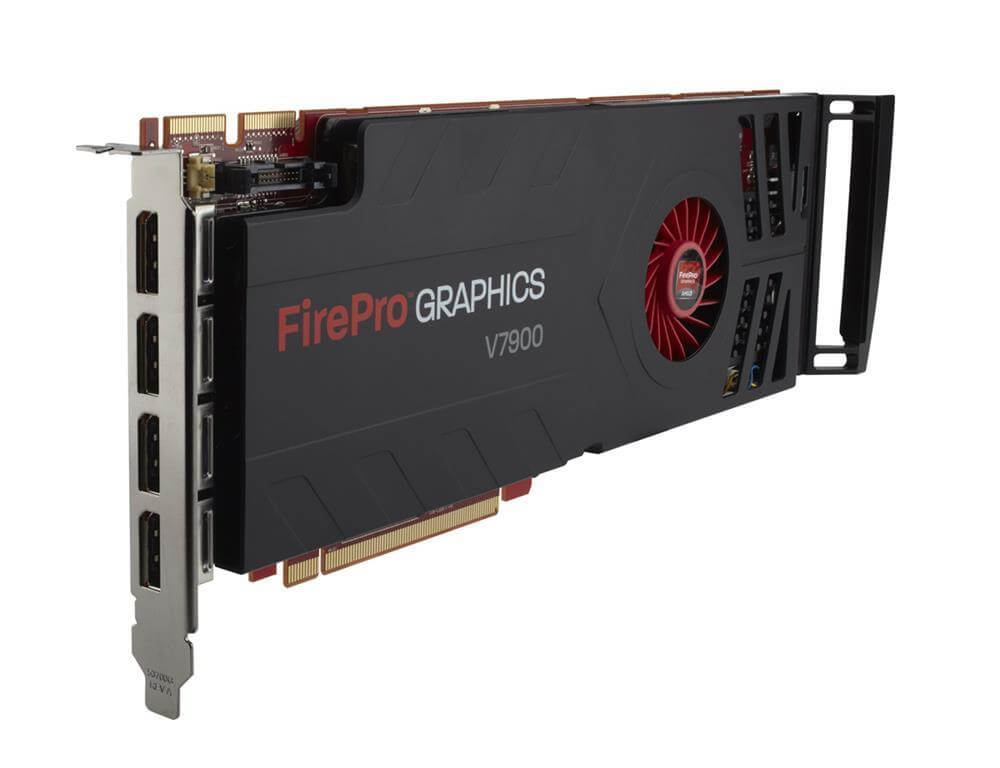
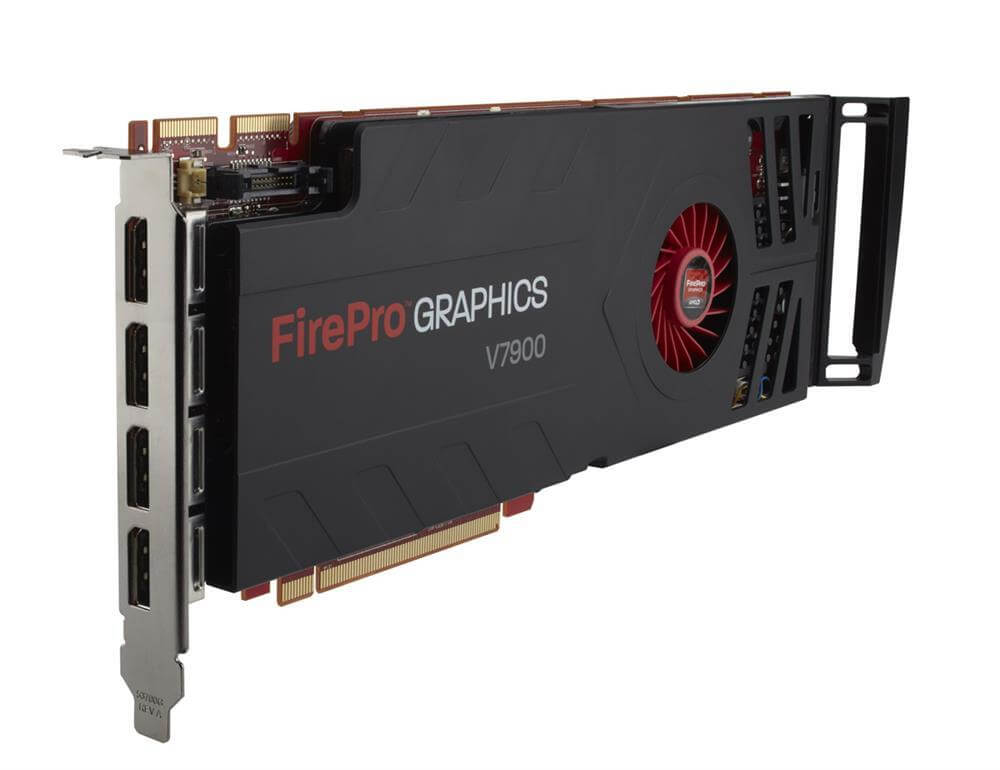
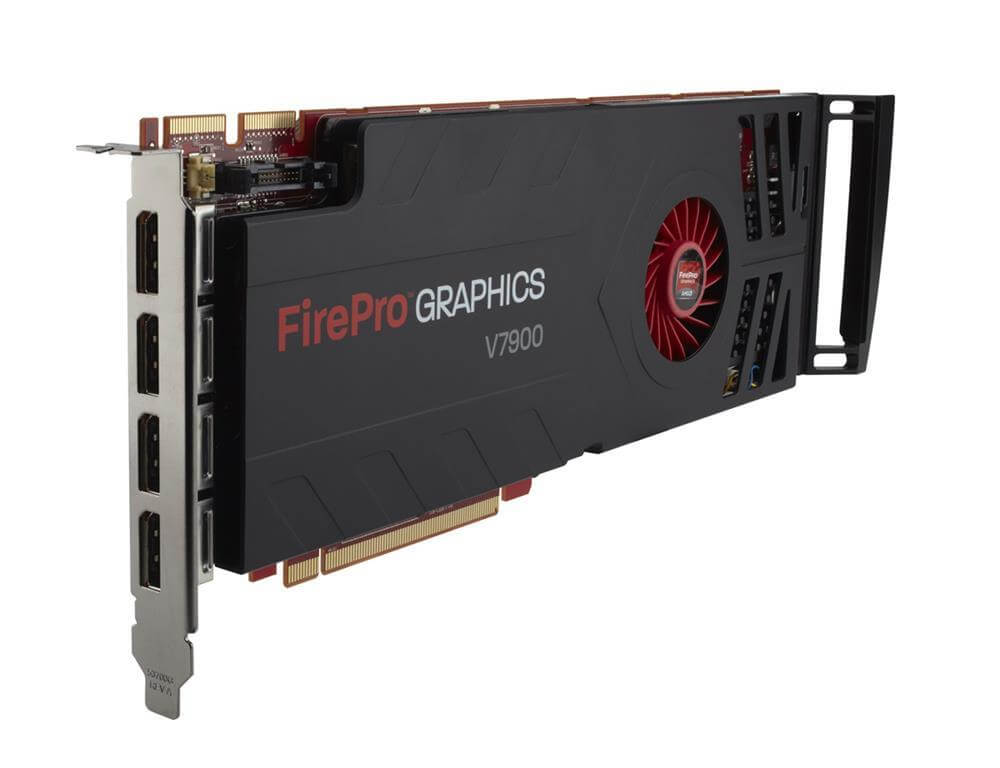
LS993AA HP AMD FirePro V7900 PCIE 2.1 X16 2GB Memory Video Cards. Refurbished.
$58.49
$70.77
Description System Requirements and Compatibility To use the HP AMD FirePro V7900 video card, your system must meet certain requirements. The card is designed to work with desktop computers and requires an available PCIe 2.1 x16 slot. Your power supply should also be able to deliver at least 150W of power to the card, and you will need one 6-pin power connector. In terms of operating system compatibility, the FirePro V7900 supports both 32-bit and 64-bit versions of Windows 7, 8, and 10, as well as Linux. The card is also compatible with a wide range of professional graphics applications, including CAD/CAM software, digital content creation tools, and scientific visualization software. The FirePro V7900 is optimized for use with AMD’s Eyefinity multi-display technology, which allows up to six displays to be connected to the card. To take full advantage of this feature, you will need displays that support DisplayPort 1.2 or later. You can also use DisplayPort-to-HDMI or DisplayPort-to-DVI adapters to connect displays that do not have a DisplayPort interface. Installation and Setup Guide Here is a step-by-step guide for installing and setting up the HP AMD FirePro V7900 video card: Turn off your computer and unplug it from the power source. Remove the side panel from your computer case to access the PCIe slot. Locate an available PCIe 2.1 x16 slot and remove the cover if necessary. Gently insert the FirePro V7900 card into the PCIe slot, making sure it is securely seated. Connect the power supply to the card using the 6-pin power connector. Replace the side panel on your computer case and plug in the power cable. Turn on your computer and wait for it to boot up. Install the latest drivers for the FirePro V7900 card from the AMD website. You can download the drivers from the AMD website by selecting the appropriate operating system. Follow the on-screen instructions to install the drivers. Reboot your computer if prompted. Once the drivers are installed, you can configure the card settings to your preferences. You can access the AMD Catalyst Control Center by right-clicking on your desktop and selecting “AMD Catalyst Control Center.” In the Catalyst Control Center, you can adjust display settings, configure multi-display setups using Eyefinity, and customize the card’s performance settings. That’s it! With these steps, you should be able to install and set up the HP AMD FirePro V7900 video card in your computer. If you encounter any issues during the installation process, refer to the user manual or contact technical support for further assistance. Comparison with Competing Video Cards The HP AMD FirePro V7900 is a professional-grade video card designed for demanding 3D graphics workloads. It competes with other high-end graphics cards, such as the NVIDIA Quadro K5000 and the AMD FirePro W9000. Compared to the Quadro K5000, the FirePro V7900 offers similar performance in most graphics-intensive workloads, but it has a lower price point. The V7900 also has a higher memory bandwidth and supports more displays than the K5000. However, the K5000 has more CUDA cores and can perform better in certain compute-intensive workloads. Compared to the FirePro W9000, the V7900 has a lower price point and a lower memory bandwidth, but it offers similar performance in most graphics-intensive workloads. The W9000 has more memory and is optimized for compute-intensive workloads, but it may be overkill for many professional graphics applications. Key Features: Device Type: Graphics Adapter Enclosure Type: Plug-In Card Interface Type: PCI Express 2.0 X16 PROCESSOR: Graphics Processor: AMD Firepro V7900 RAMDac Clock Speed: 400 MHZ Memory: Video Memory: 2 GB Memory Technology: GDDR5 SDRAM Bus Width: 256 BIT Technical Features: Max Resolution (External): 2560 X 1600 Colors Max Resolution (External): 30-BIT Color Supported Display Graphics: 1920×1200, 3840×2400, 2560×1600 Api Supported: Directx 11, Opengl 4.0 Directcompute,Opencl Shader Model: 5.0 Dual Link DVI Support: Yes Max Monitors Supported: 2 Digital Video Standard: Digital Visual Interface (DVI), Displayport Interfaces: 1 X 29-Pin DVI-I Video 2 X 20-Pin Displayport Digital Video HDCP Compatible Yes System Requirements: Operating System: Windows 7 Professional 32/64-BIT Windows Vista Business 32/64-BIT Windows Xp Professional 32/64-BIT Red Hat Enterprise Linux32/64-BIT Linux Enterprise Desktop 11 32/64-BIT